A head start
Use a Bogee build as a starting point, then make it your own.
Coming soon Minecraft Bedrock on Nintendo Switch
Drawings, toys, even the ideas in your head, built in blocks right next to you
Everybody loves Minecraft because you can build whatever you want. Bogee would never take that away. He's here to help.
Use a Bogee build as a starting point, then make it your own.
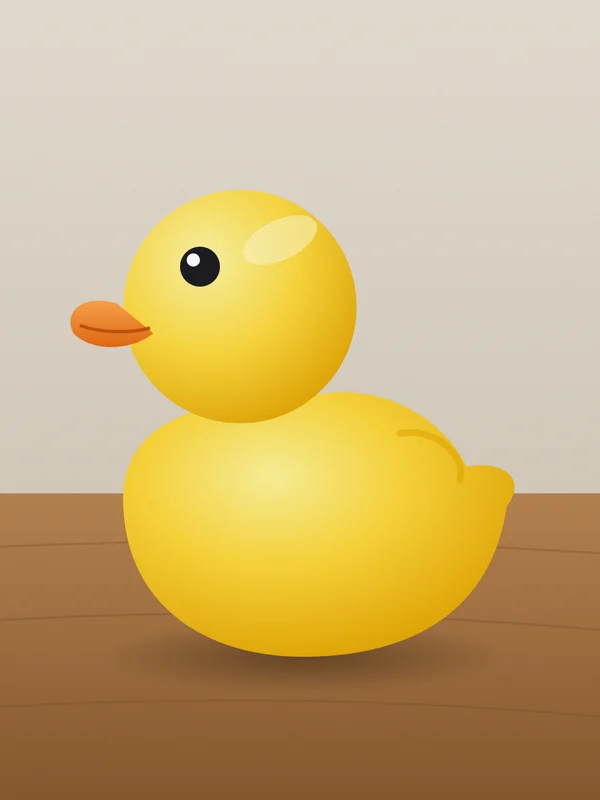
Your favorite toy, your pet, your house. Snap it and it's in your world.
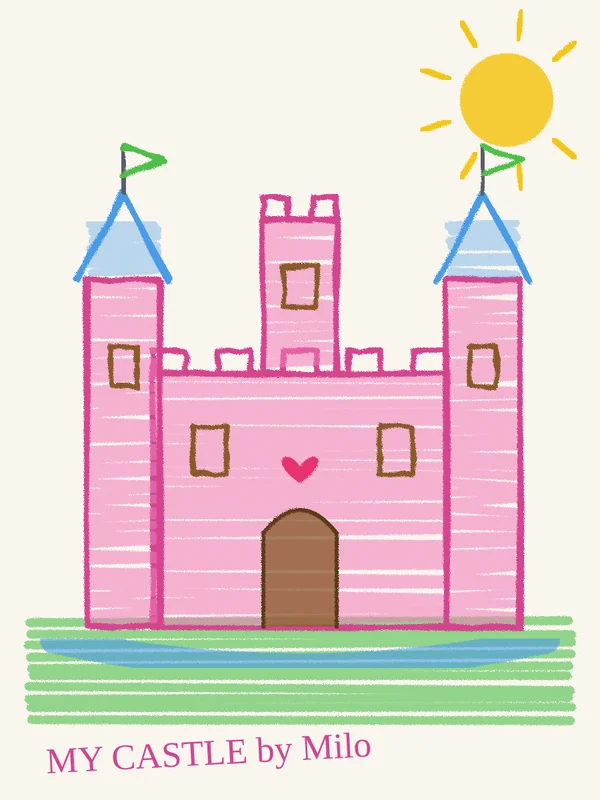
Great at drawing? Walk around inside your art.
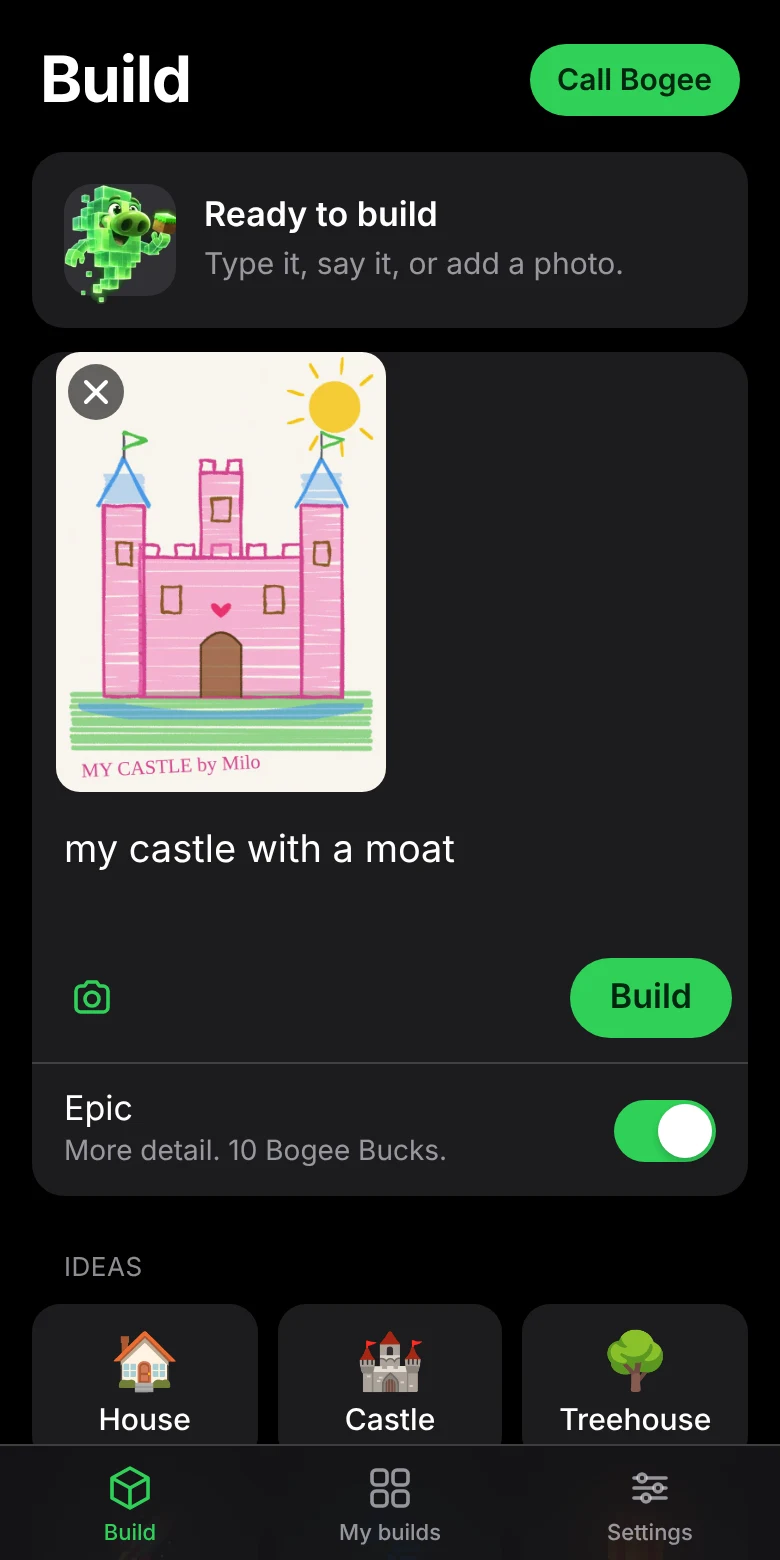
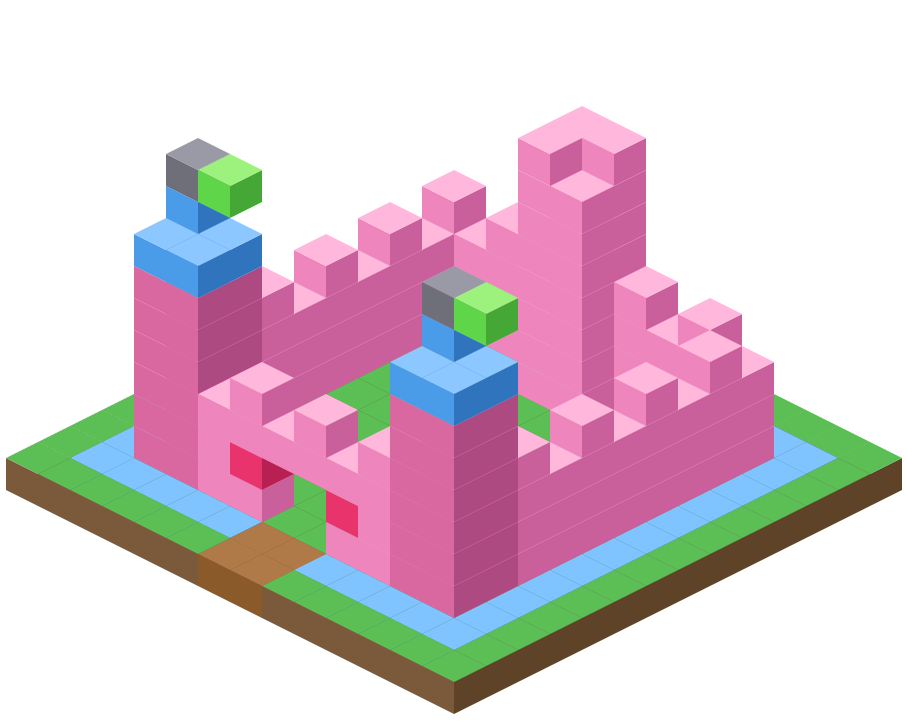
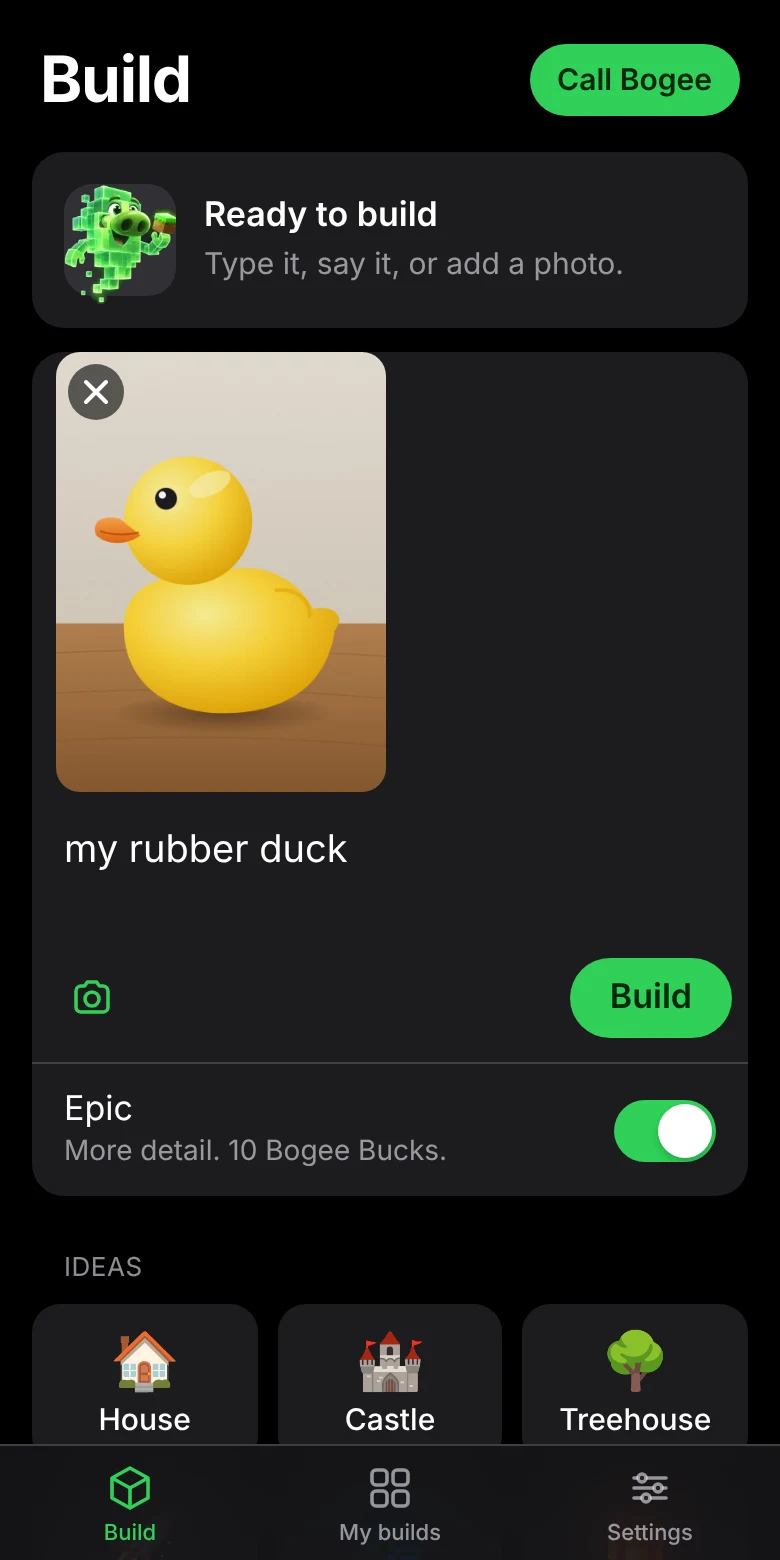
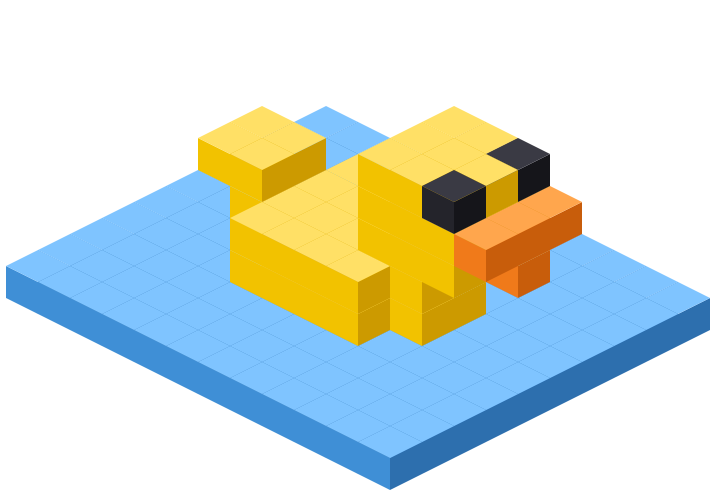
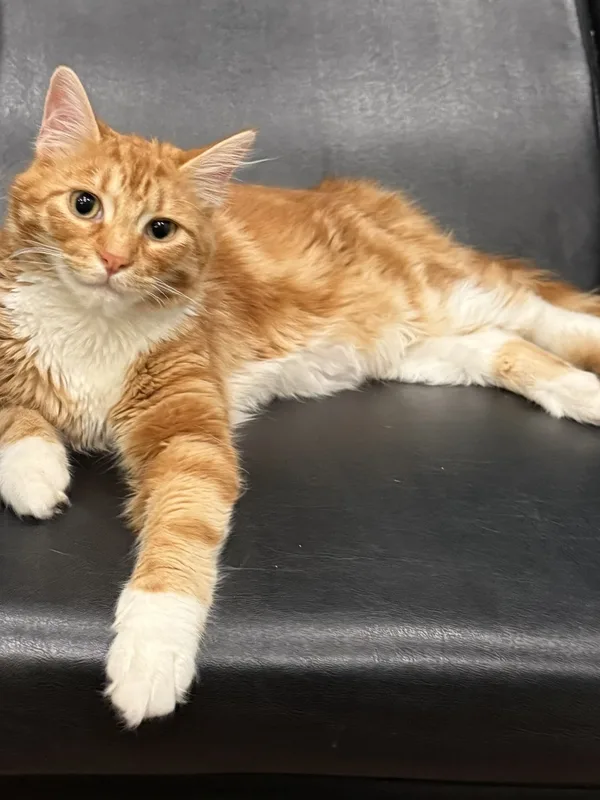
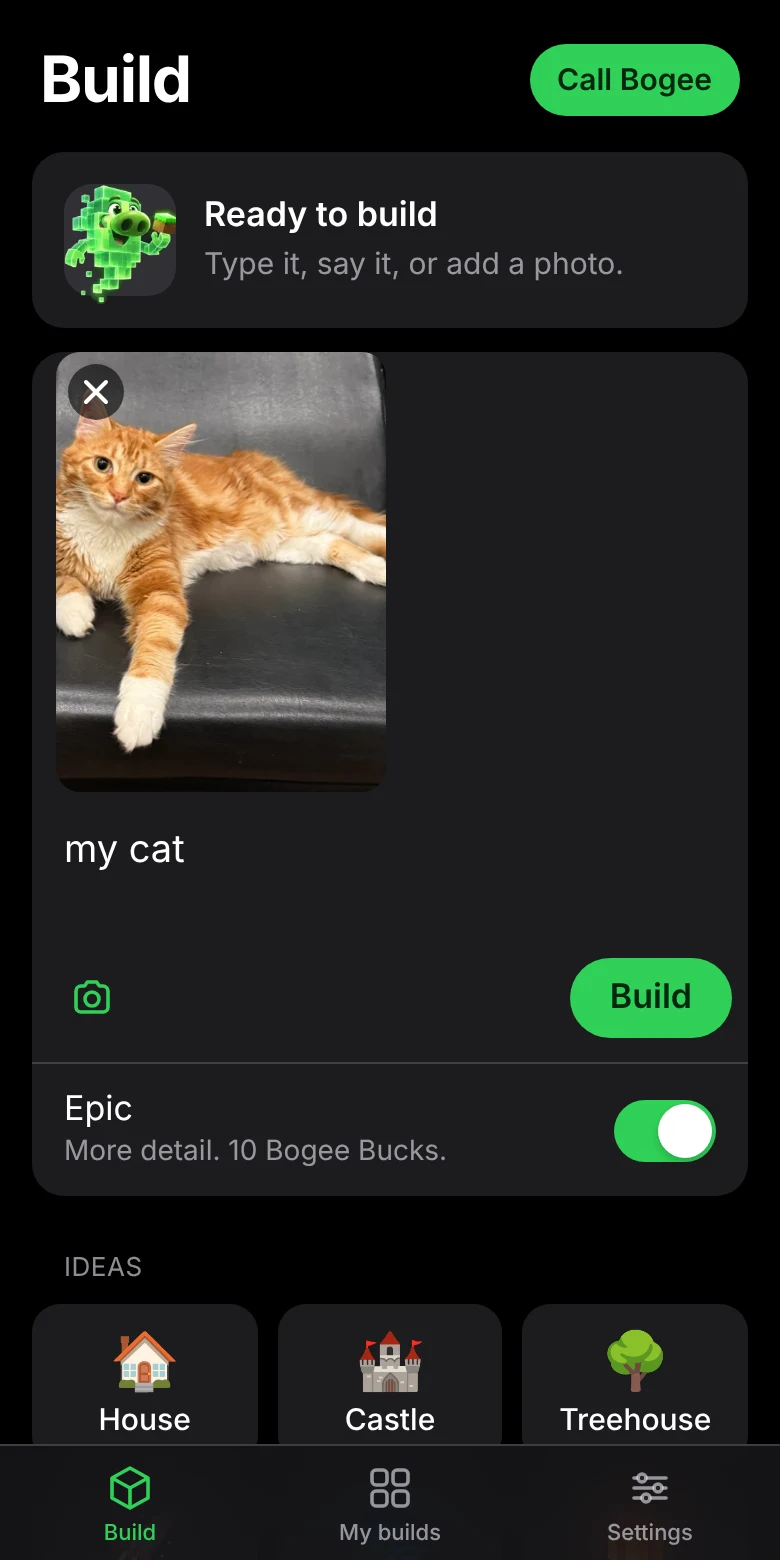
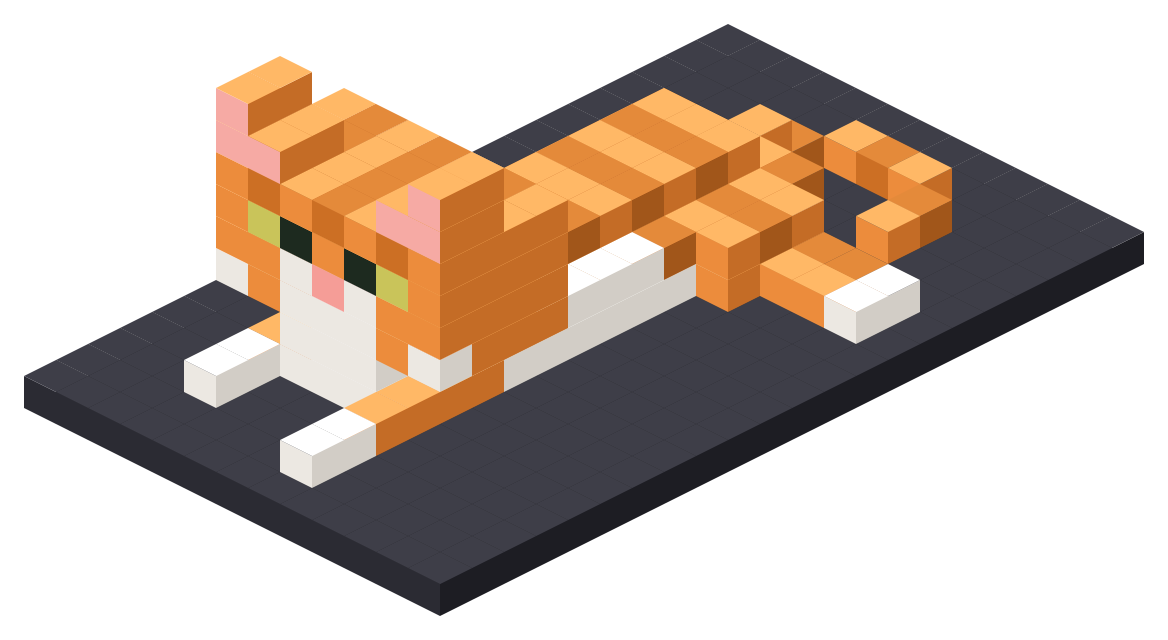
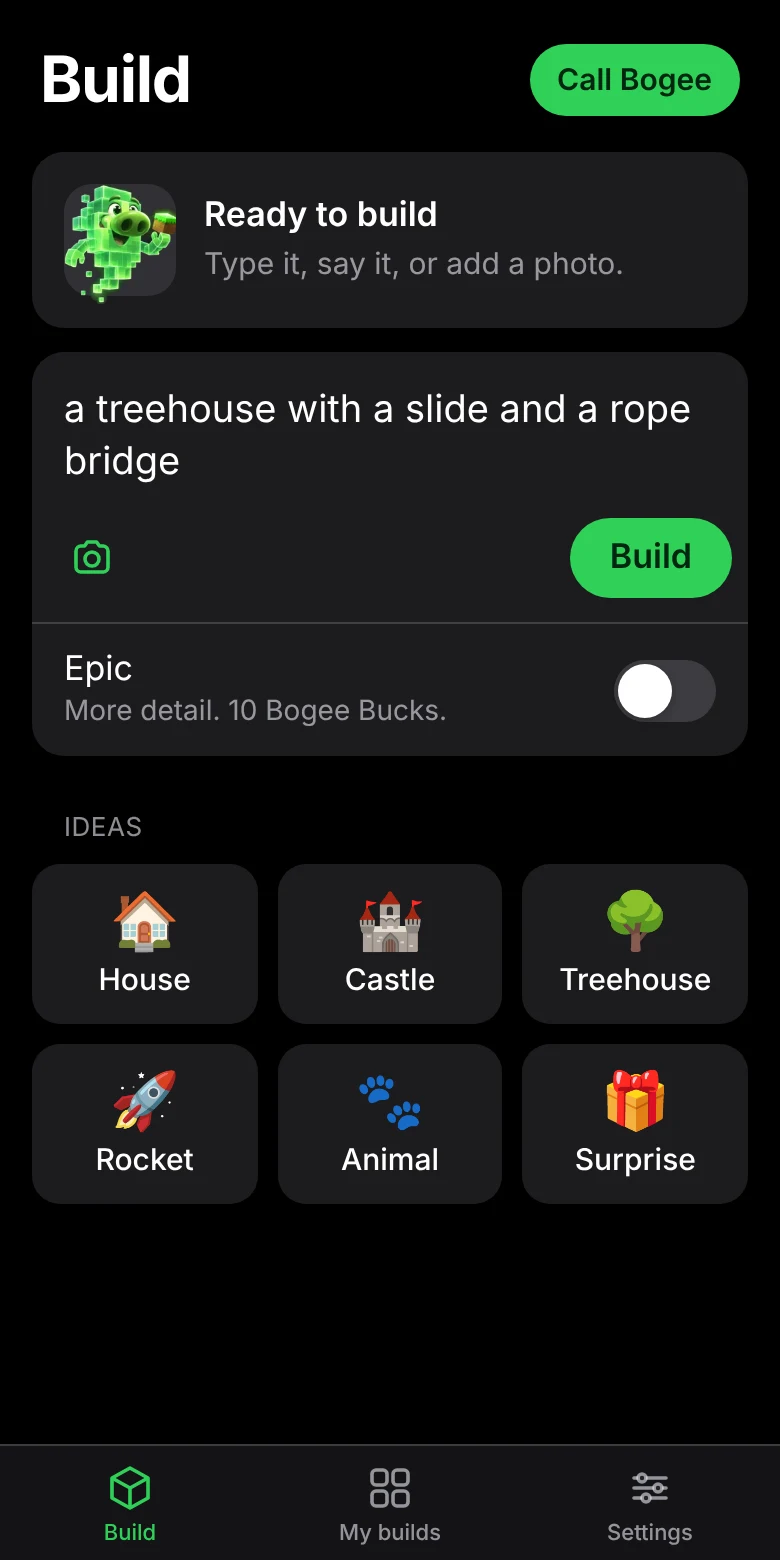
Type it or just say it. A treehouse with a slide and a rope bridge? Bogee's on it. Out of ideas? Tap one.
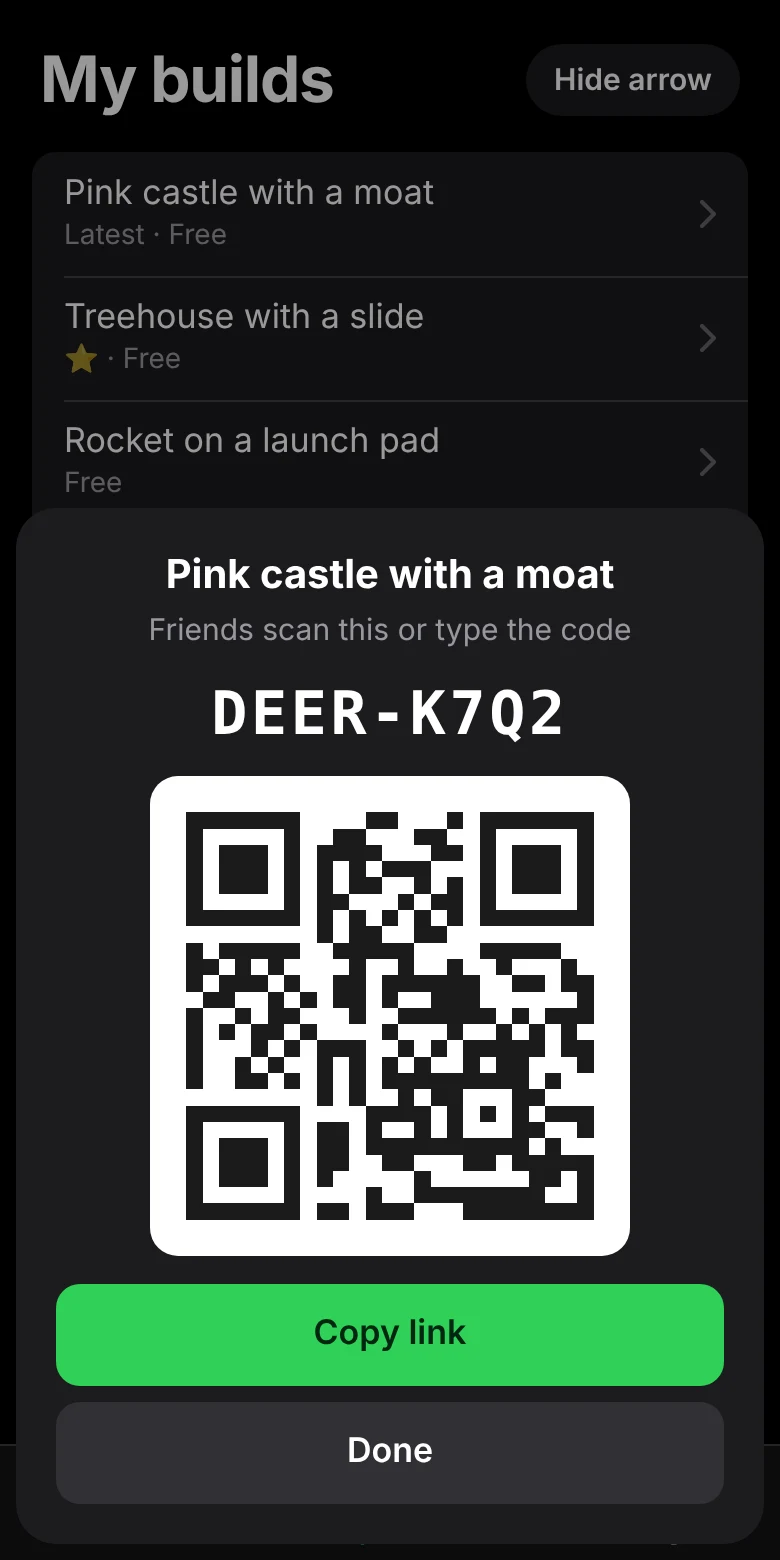
Every build gets a code. A friend types it in or scans it and gets the same build in their world, free.
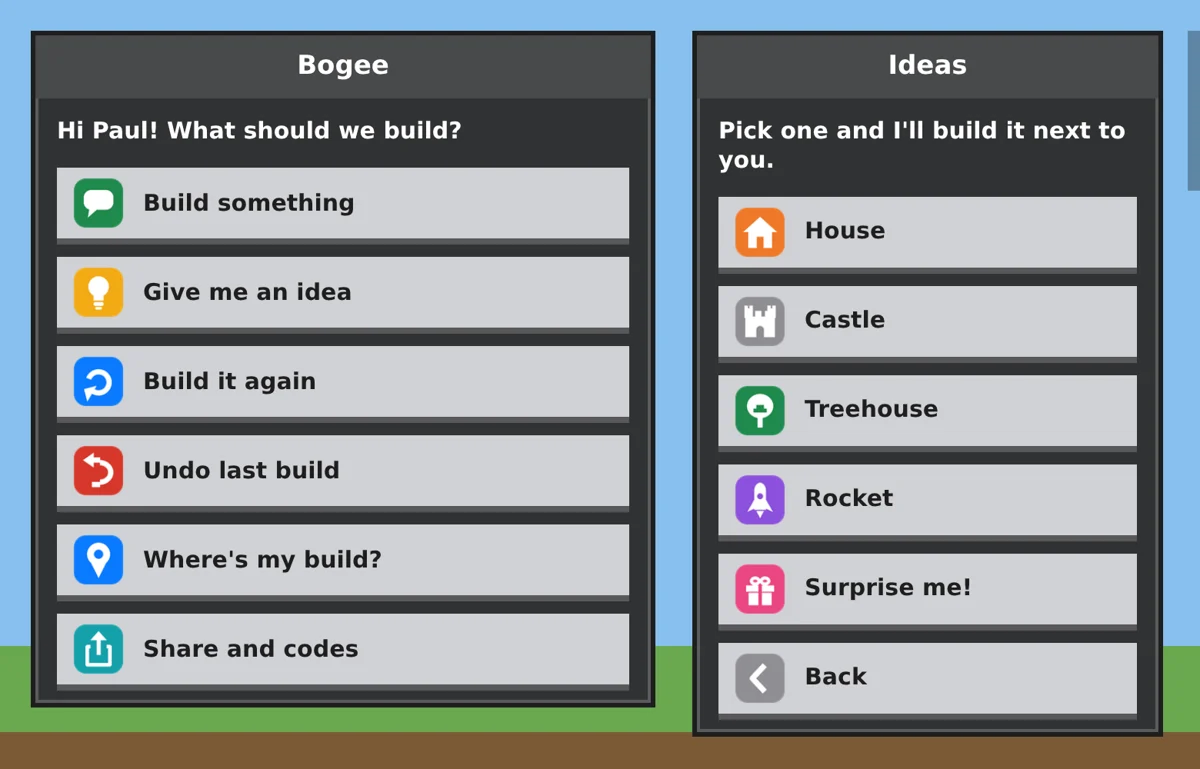
No phone handy? Call him with the Booger Stick in your hotbar, then pick from his menu.
On any phone or tablet, nothing to install. Parents sign in with email, then pair the kids' devices from the Family tab.
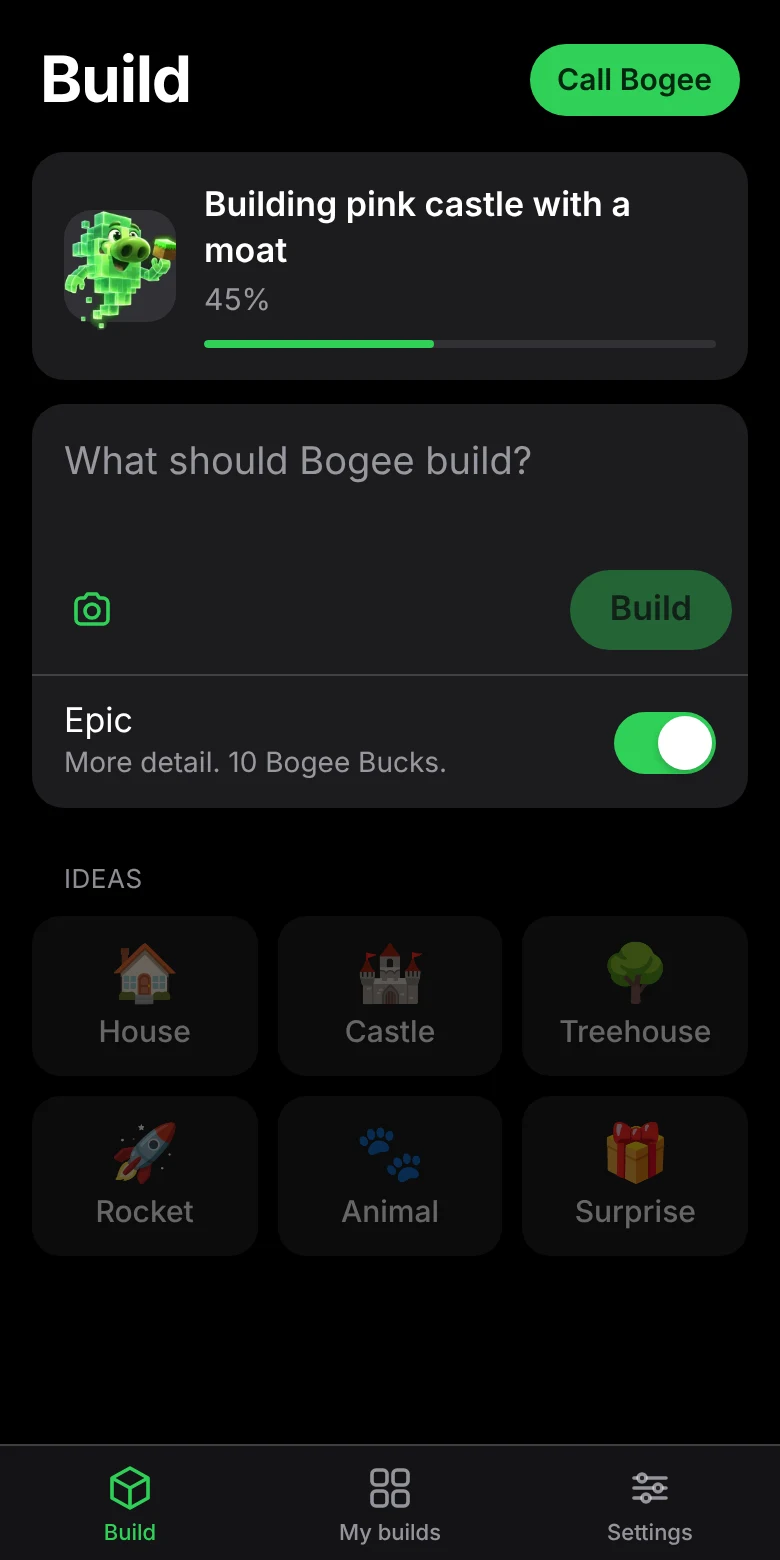
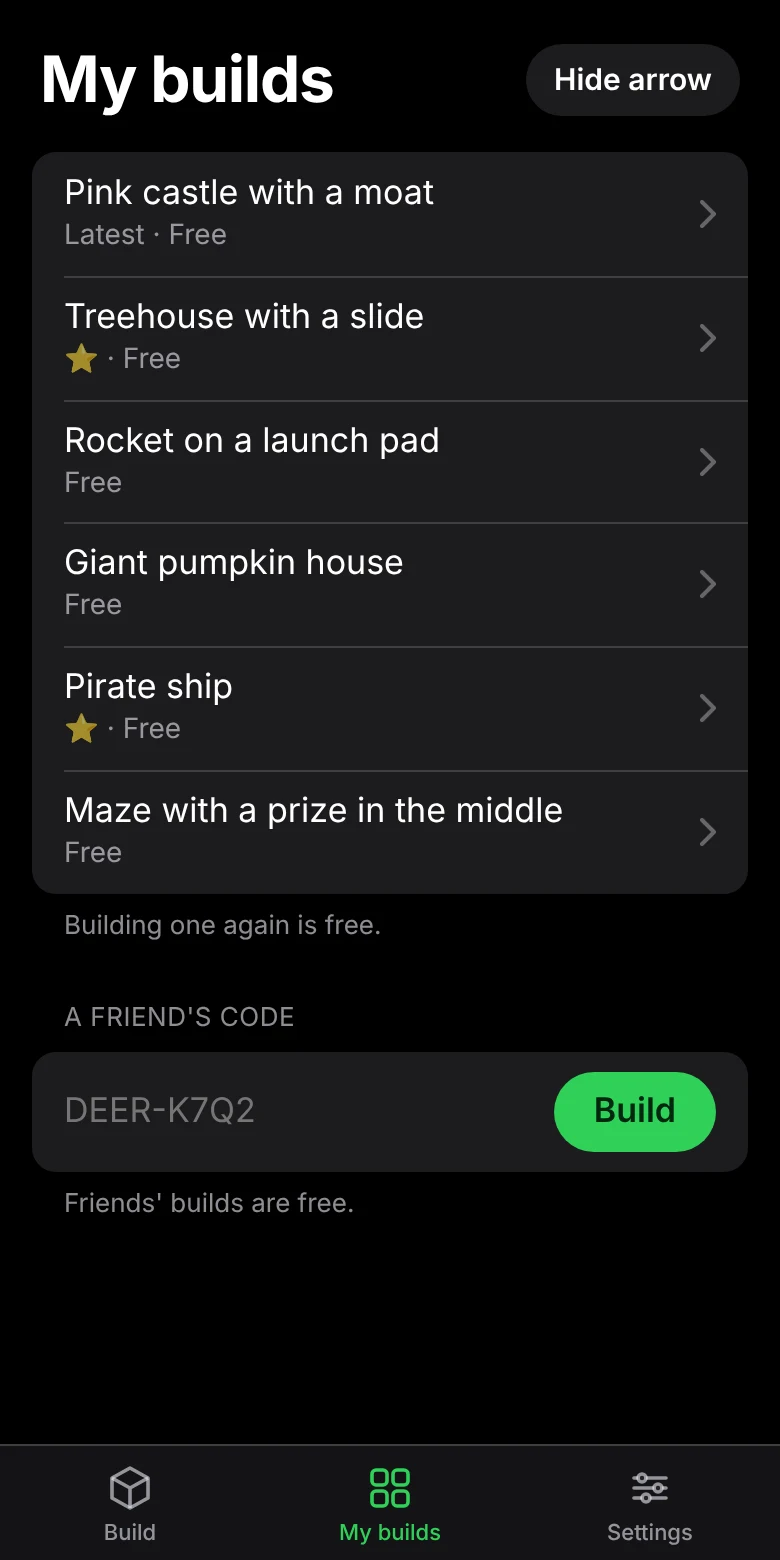
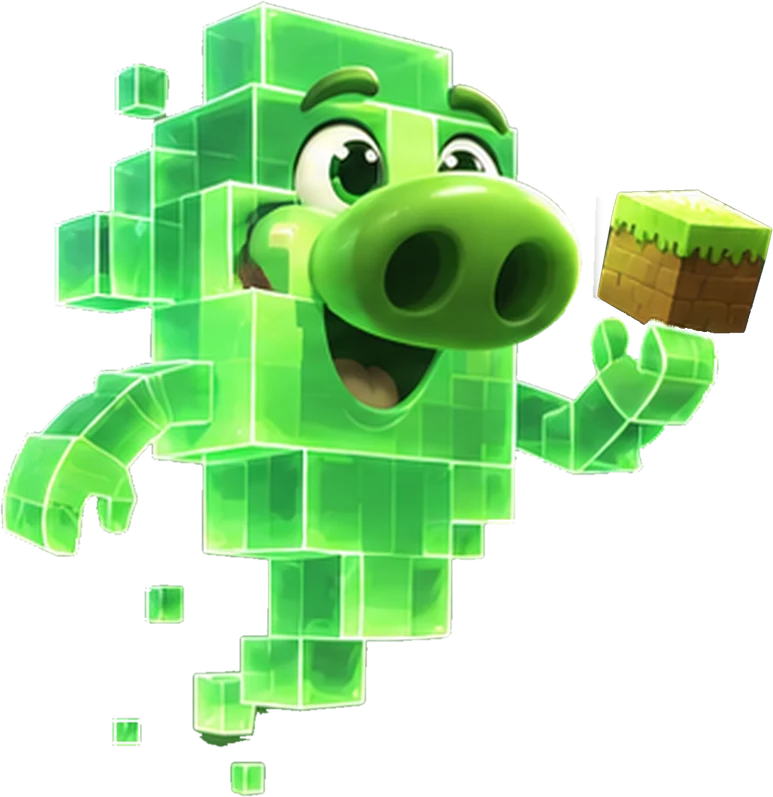
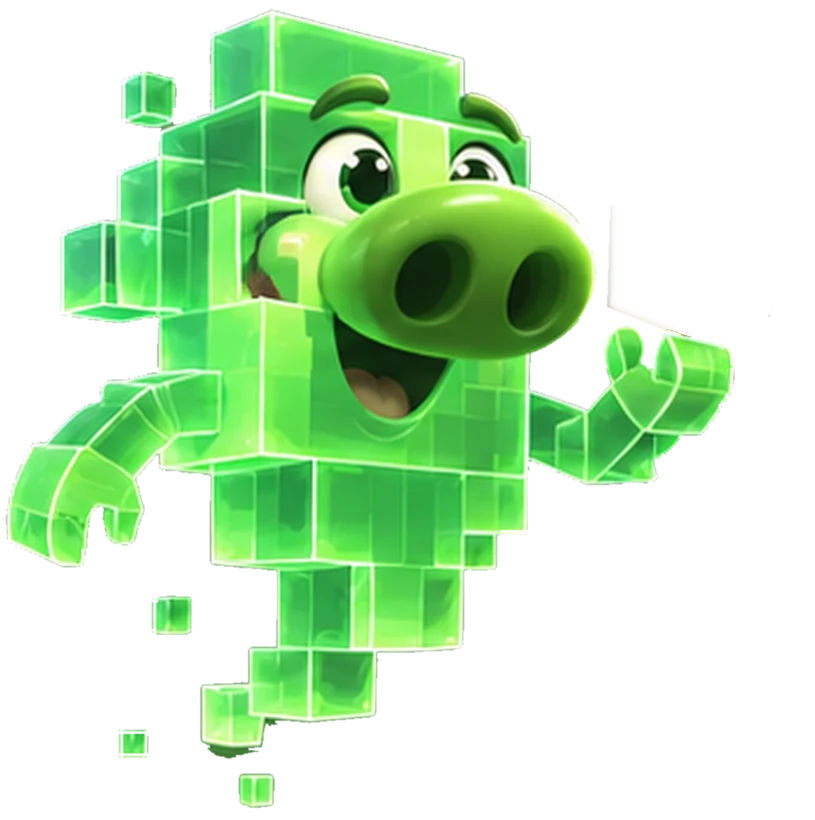
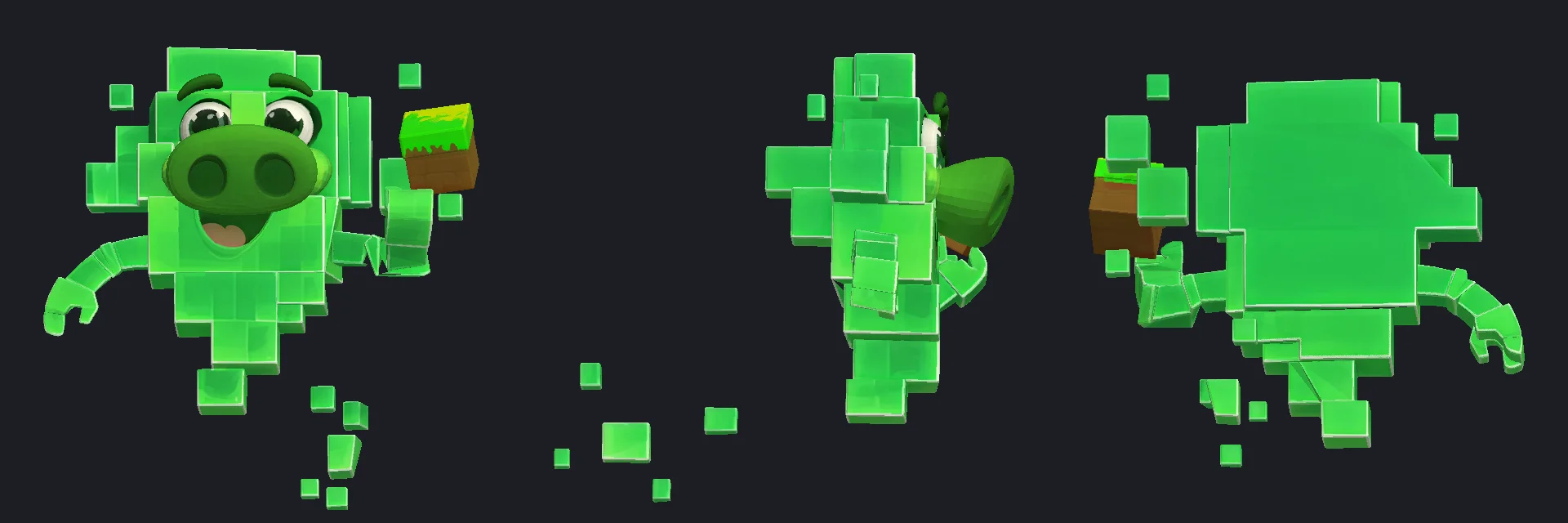
A friendly glowing ghost made of blocks. In the game he floats beside you and builds right there. Call him with the Booger Stick, then talk to him for his menu.
Every family gets its own Minecraft world on our server. It's always there when you want to play, with nothing to set up.
Your kids and the friends you add. Nobody else can walk in.
Your own worlds on the Switch are never touched.
We back up your world nightly, and you can download a copy.
Game mode, difficulty and PvP, set from the app behind a grown-up PIN.
In Minecraft: Play, Friends, Add Friend.
It shows up in your Friends tab. Tap Join.
From the Bogee Companion App, or the Booger Stick in your hotbar.
On Switch, use your Xbox gamertag, not your Nintendo name.
Kids join a world we host, like a friend's game.
Ask for a famous character and Bogee makes its own original take.
Bogee only builds in our world, never in yours.
No surprise charges, no ads, no in-game purchases.
Pricing
Your Xbox gamertag, the name you signed in to Minecraft with. Not your Nintendo name from the Switch home screen.
No. We're Polyology, a small studio that makes games and apps. Bogee Builds is not an official Minecraft product and is not approved by or associated with Mojang or Microsoft.
Yes, we test on a Switch 2. Xbox, PlayStation, phones and PC join friends the same way, and we'll list each one as we test it.
Yes. Minecraft on Switch needs a Nintendo Switch Online membership to play online with friends, and joining Bogee's world counts as that. A family membership covers every Switch account in the house. Xbox and PlayStation have their own online memberships; phones, tablets and PC don't need one.
The Microsoft account they play on needs multiplayer allowed in its family settings, and Minecraft needs to be signed in to it.
What Bogee spends to build. The plan comes with 250 every month: a build is 1 and an Epic build, with more detail, is 10. Rebuilding something you saved and building a friend's share code are free. Grown-ups can top up from the app: 100 for $4.99 or 250 for $9.99.
Soon. Email us and we'll tell you the day.